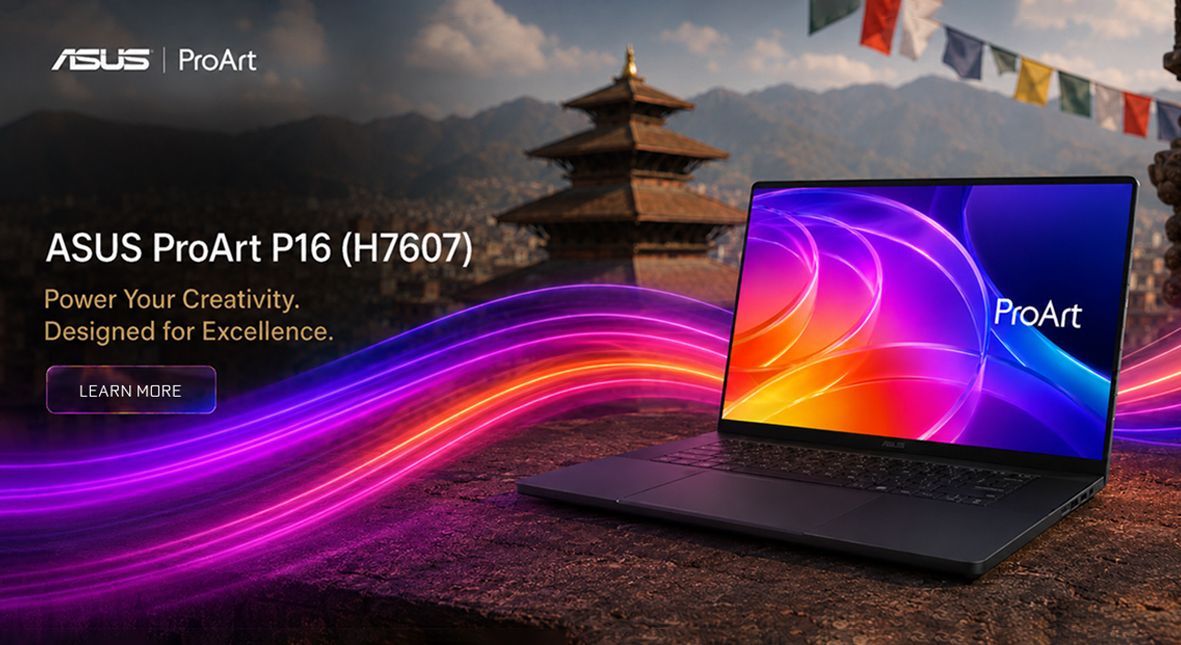
ASUS ProArt P16 (H7607) is positioned as a premium creator laptop that tries to replace a desktop for photographers, video editors, 3D artists, and AI-focused users. Its main appeal is the mix of a sharp 4K OLED touchscreen, high memory ceiling, fast storage, and modern RTX graphics in a portable 16-inch chassis.
Display and design
The ProArt P16 features a 4K OLED touchscreen, a significant advantage for creators thanks to its high detail, deep contrast, and vibrant color output, making it ideal for visual work. With a 16-inch display and a 16:10 aspect ratio, this panel offers more vertical space than standard 16:9 displays, enhancing workflows involving timelines, toolbars, and document management.
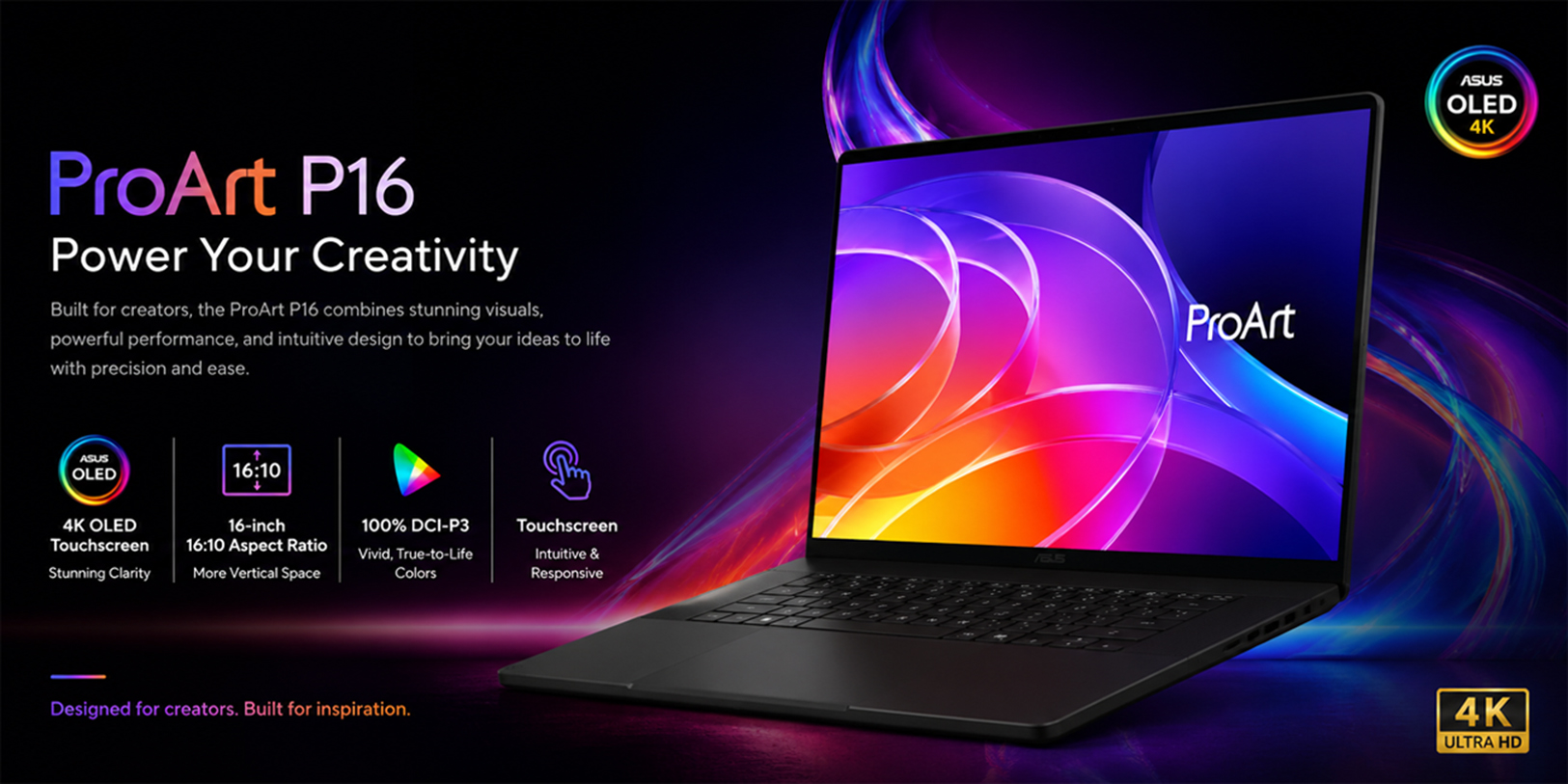
ASUS promotes this panel as a creator-grade screen that supports a 120Hz refresh rate. This capability ensures smoother scrolling and more responsive pen interaction compared to typical 60Hz laptops. For content creators, this enhancement is crucial for both editing comfort and more fluid previews when scrubbing through footage or working with motion graphics.
Performance focus
The laptop uses an NVIDIA Blackwell RTX platform, ideal for GPU-accelerated creative tasks. With up to 128GB LPDDR5X memory, it supports heavy multitasking, making it perfect for editing 4K/8K video and running multiple apps.
CPU details
The CPU features a 20-core NVIDIA Grace processor, and both ASUS and NVIDIA describe it as a part of the RTX Spark Superchip designed for Windows PCs intended for personal agents, AI applications, and creator workloads. In practical terms, the CPU manages general system tasks, ensures app responsiveness, handles background multitasking, facilitates decompression, and orchestrates workflows, while the GPU focuses on graphics processing and AI-accelerated tasks.
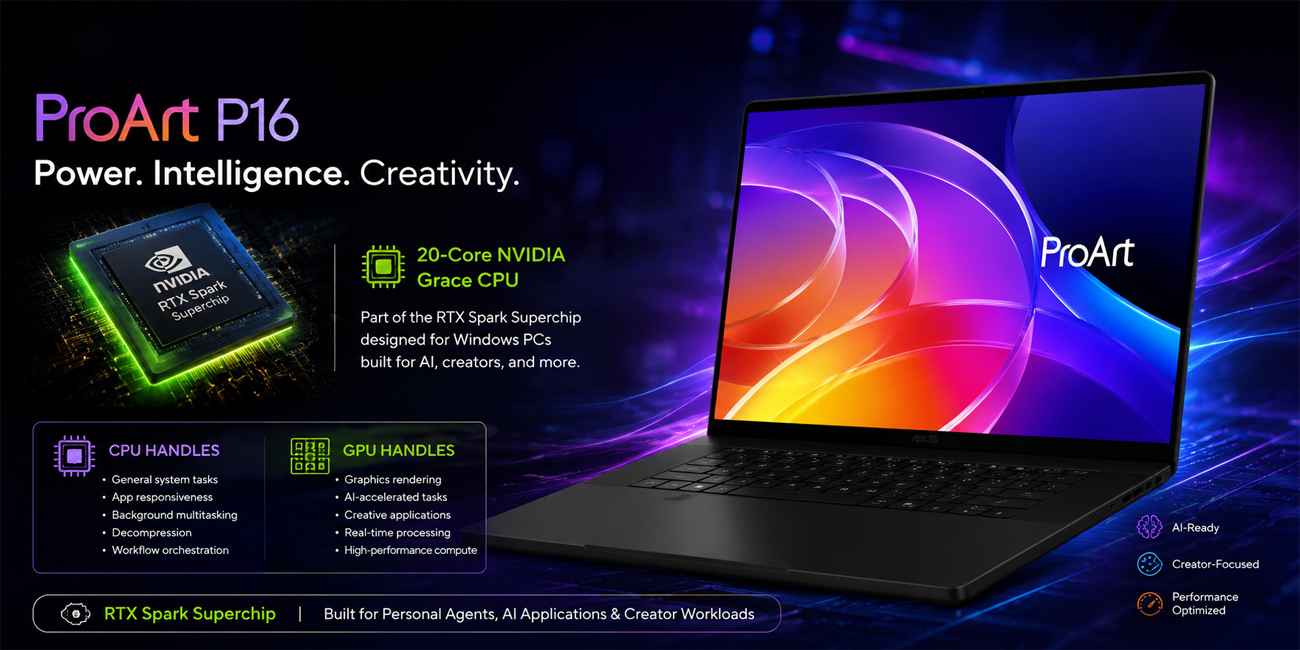
The chip is designed as an ARM-based platform, which emphasizes efficiency and delivers strong performance per watt instead of relying on the raw power typical of traditional desktop computers. This design choice is particularly significant for thin creator laptops, as it enables ASUS to offer a device that excels in long-form productivity tasks, supports AI processing capabilities, and remains highly portable. By optimizing energy consumption, these laptops can provide users with extended battery life, making them suitable for creative professionals who need to work on the go without sacrificing performance.
GPU details
The Blackwell RTX GPU features an impressive configuration, boasting 6,144 CUDA cores along with fifth-generation Tensor Cores. This powerful combination is particularly beneficial for tasks involving creative acceleration and local AI applications. The CUDA cores serve as the primary engine for parallel processing, facilitating efficient rendering and computation. In contrast, the Tensor Cores enhance machine-learning operations by accelerating AI calculations and denoising processes. This makes the Blackwell RTX GPU a strong choice for both creative professionals and those working in AI development.
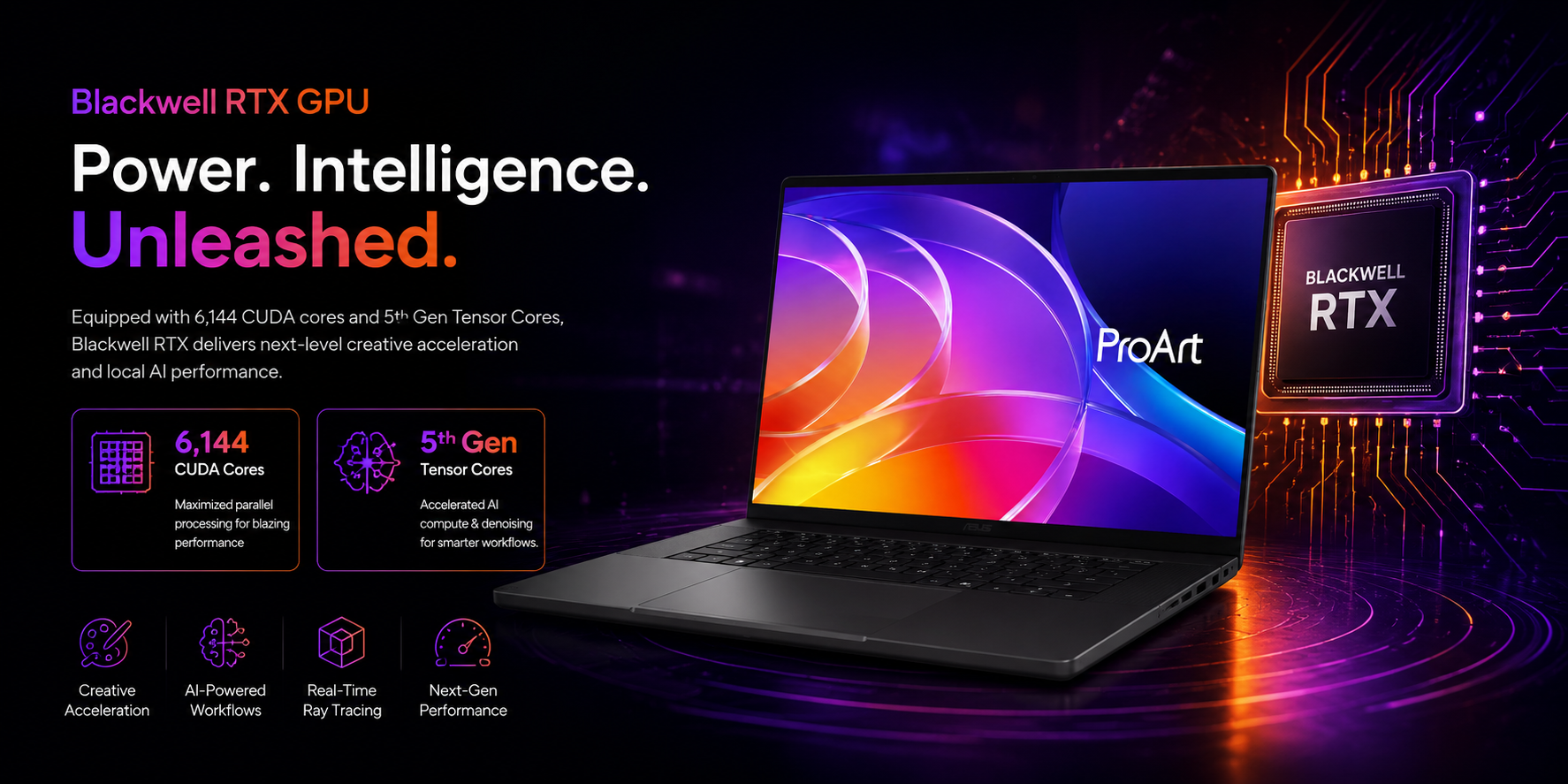
NVIDIA has announced that its platform can achieve up to 1 petaflop of FP4 AI performance. This capability highlights the versatility of the GPU, extending its applications beyond traditional graphics to include AI inference and generative workflows. As a result, it holds significant relevance for content creators who utilize AI-assisted editing, image generation, and large local models in their work.
How they work together
The RTX Spark offers significant value through its integration of the CPU and GPU, rather than relying solely on individual specifications. NVIDIA implements its NVLink-C2C interconnect and unified memory architecture to minimize data-copy overhead between compute blocks. This design is particularly advantageous for large creative projects and AI workloads.
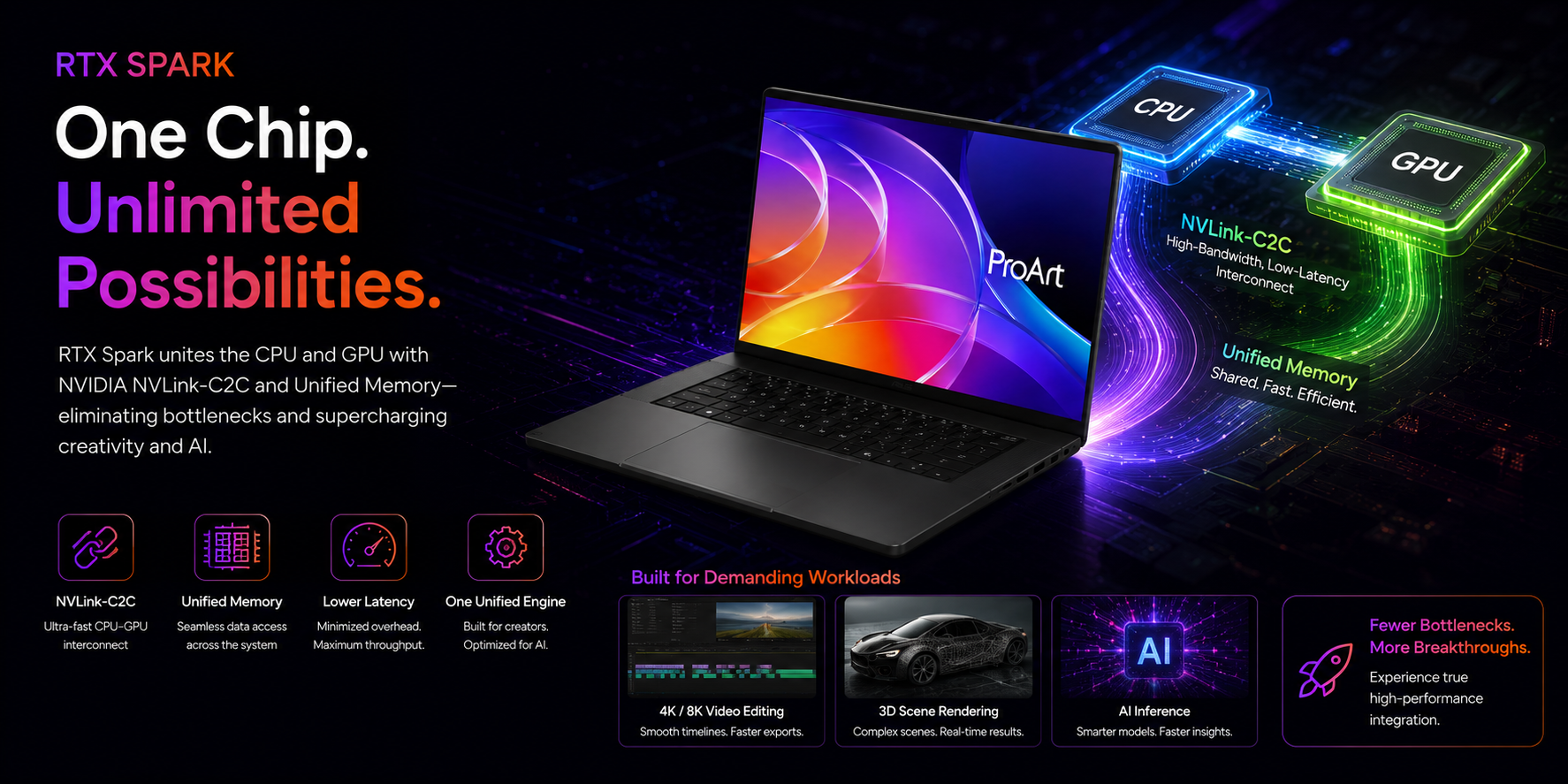
This integration is especially beneficial for tasks that require intensive processing, such as 4K/8K video editing, 3D scene rendering, and AI inference. These applications often involve the quick transfer of large assets between processor and graphics memory. By eliminating potential bottlenecks caused by separate components competing for bandwidth, the system operates more like a unified high-performance engine.
What it means for creators
In the realm of video editing, the CPU plays a crucial role by managing timeline responsiveness and handling background processing tasks. Meanwhile, the GPU significantly enhances performance by accelerating effects, playback, exports, and AI features. For users engaged in 3D work, the GPU serves as the primary rendering engine, while the CPU supports essential functions such as scene management, asset handling, and multitasking.
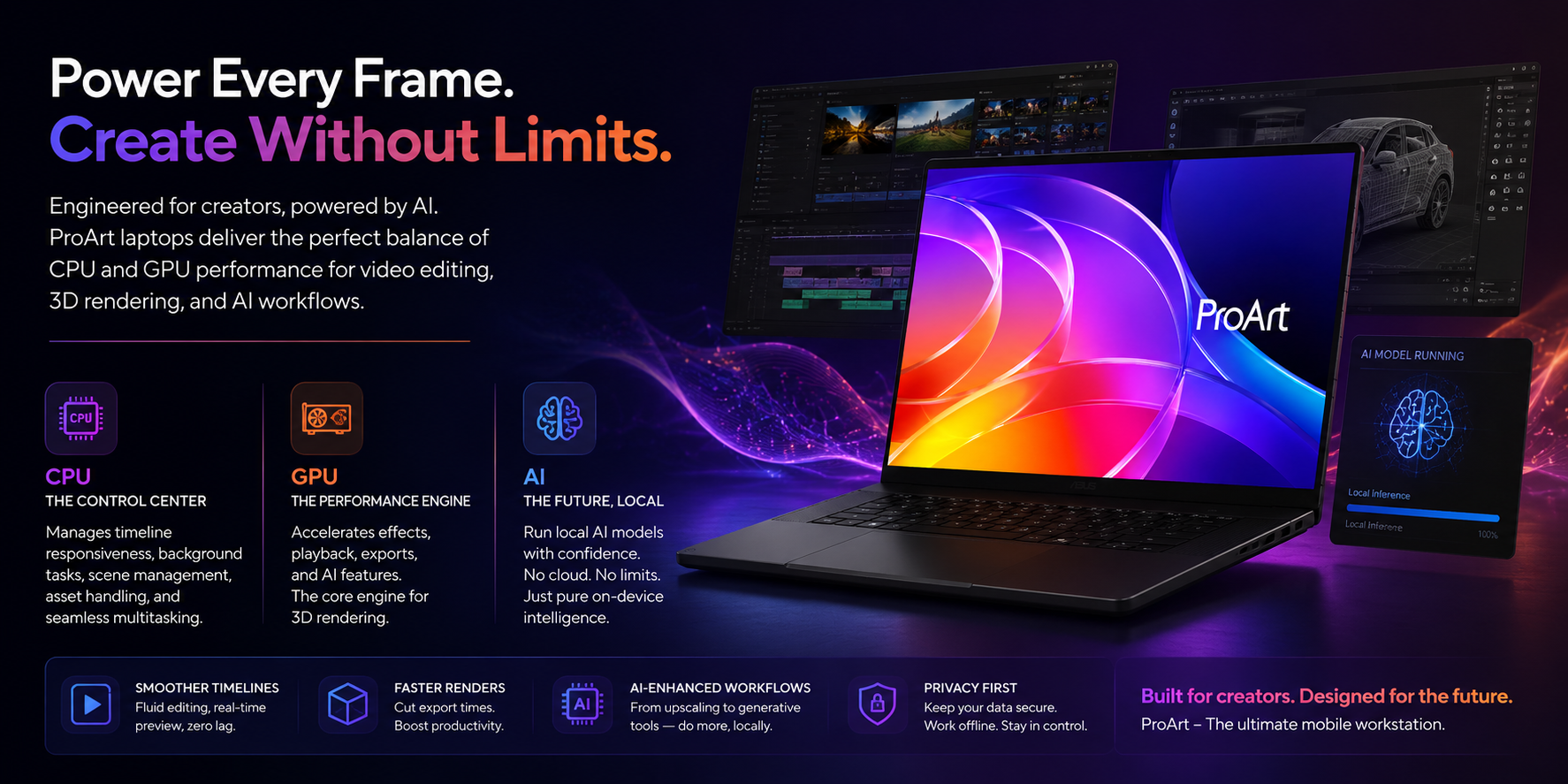
Additionally, for those focused on AI applications, the integration of these components is a key factor driving interest in this laptop. It is specifically designed to run local models, minimizing reliance on cloud-based solutions and facilitating modern AI workflows directly on the device. This represents a significant advancement for mobile workstations.
Storage and expandability
Fast SSD storage significantly enhances the appeal of modern computing platforms. ASUS offers configurations with up to 2TB of PCIe 4.0 SSD storage, and the system supports dual M.2 expansion. This setup allows users to efficiently segregate various types of data, such as project files, scratch data, and media libraries.
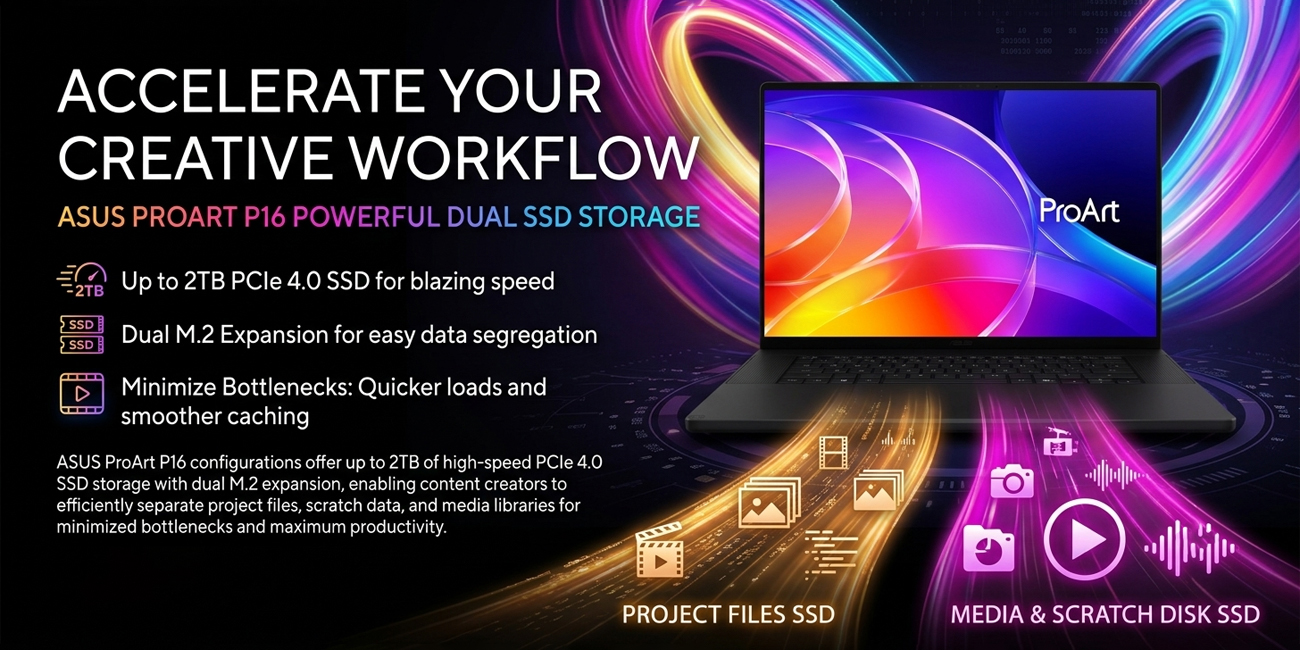
For content creators, the speed of storage is crucial as it influences the efficiency of workflows. Faster storage means quicker access to project files, faster loading of large assets, and smoother management of caches during editing sessions. For example, a video editor can store active projects on one drive while archiving long-term files on another, leading to better organization of work and minimized bottlenecks.
Connectivity and workflow
The ProArt P16 is specifically designed to cater to the needs of creators, emphasizing practical connectivity over minimalist aesthetics. It features a range of essential ports, including USB4, HDMI 2.1, a high-speed SD card reader, and a headphone jack. These options facilitate seamless connections for external displays, fast peripherals, camera workflows, and audio monitoring.
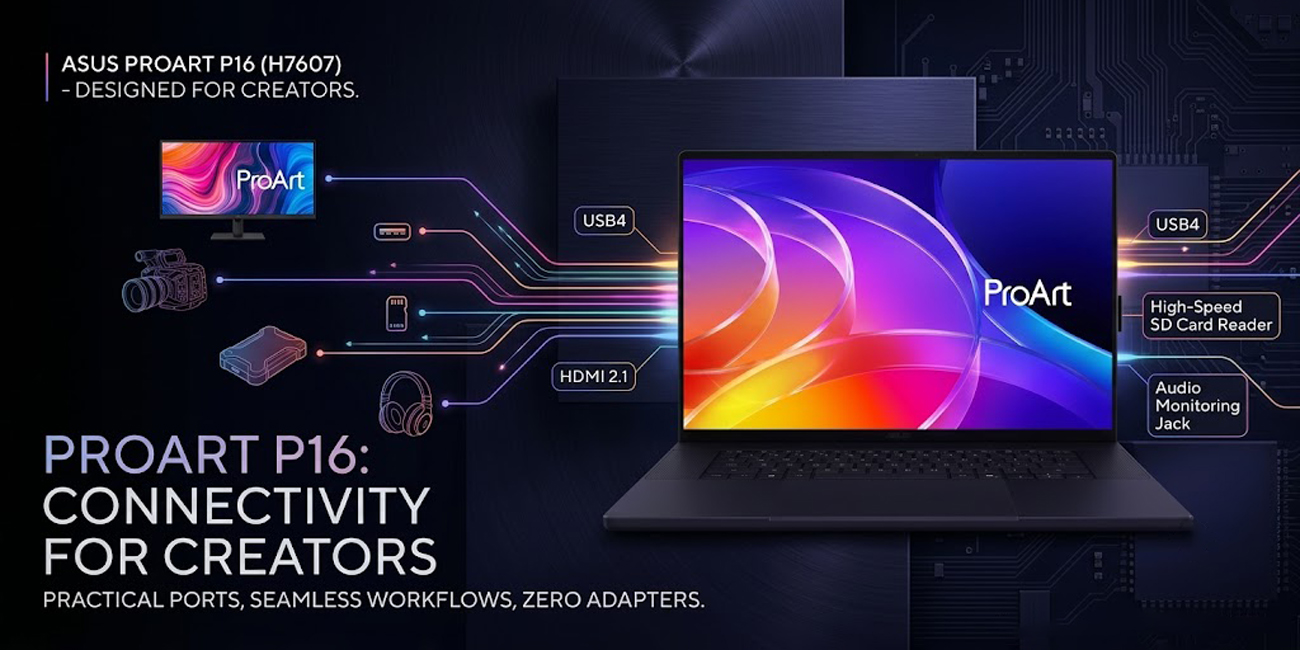
This thoughtful design allows users to easily connect various devices such as docks, external GPUs, storage devices, cameras, and professional monitors without the need for multiple adapters. For individuals working in studios, offices, or on location, this enhanced connectivity can lead to significant time savings in their daily workflow.
Who it suits
The ProArt P16 laptop is an excellent choice for professionals and enthusiasts who prioritize high display quality, substantial memory capacity, and features tailored for creators, rather than ultra-light portability. This makes it particularly appealing to video editors, photographers, motion designers, and 3D artists seeking a Windows-based machine equipped with superior screen quality and robust hardware capabilities.
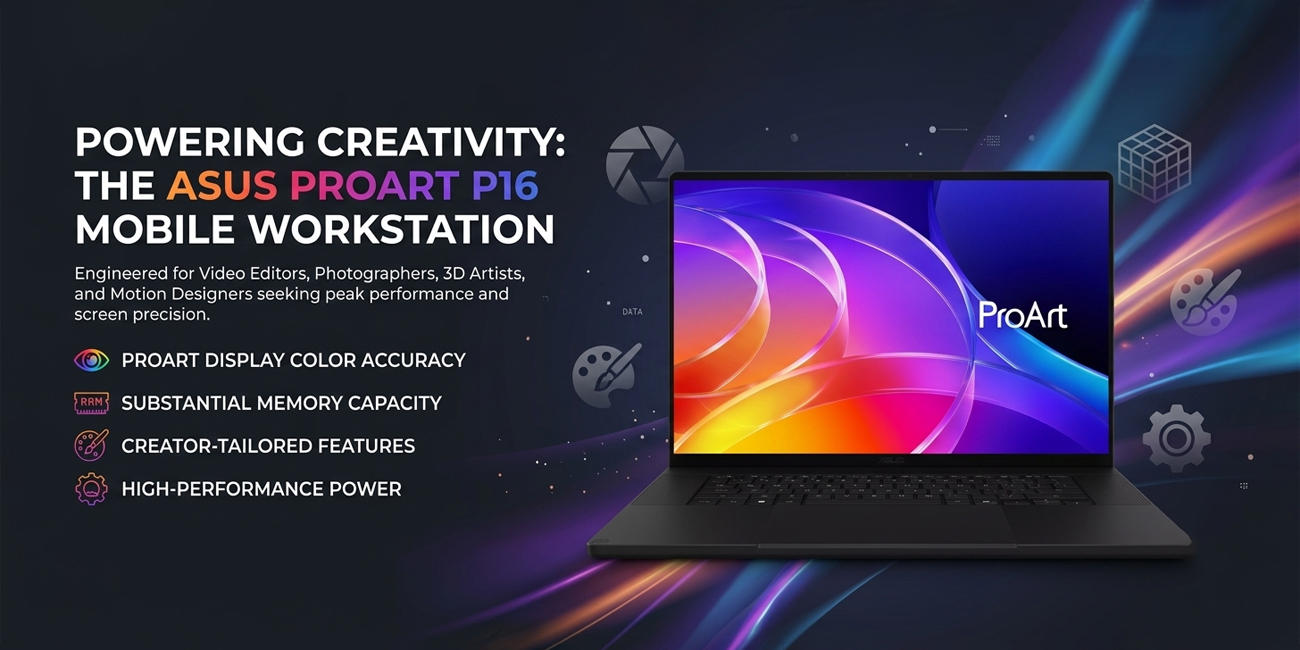
Instead of focusing on being the thinnest or most budget-friendly option, the ProArt P16 is designed as a capable mobile workstation. It excels in color accuracy, multitasking efficiency, and performance during intensive tasks, making it well-suited for users whose workflows depend on these critical attributes.
